

Over at Fast Company I was interviewed by Alex Christian about Claude Code and Claude Cowork. After my January post about Claude Code I have received many questions about Claude Code. Two weeks ago, I was at the Knight Foundation’s Knight Media Forum in Miami and the Knight Research Network held an impromptu session on Claude Code and coding agents. We plugged our laptops into a projector, shared what we had built with Claude Code, and discussed our experiences with an audience that ranged from other heavy Claude Code users to people who had not yet dipped their toes in the water with a coding agent yet.
Between that and the response to my previous Substack post, I found that the questions I get tended to be in three buckets with three distinct audiences:
How should I get started with Claude Code or Cowork?
How do I use Claude Code? What have I learned from working with Claude Code?
What does Claude Code, coding agents, the jump in abilities from new models and autonomous agents, all mean in the grand scheme of jobs and the economy, how are they going to impact society, and what policies are needed?
Each of those is a meaty topic with a distinct audience, so I have decided to do a series of three posts, “Dispatches from the AI Agent Frontlines,” covering each of those topics. This is Part 1:

Why am I writing this? Why should you bother trying these AI agents out? Because I think it’s very important to start getting access to these tools and playing around with them, whether through work or out of your own pocket. If AI disrupts jobs as much as it could, then it is extra important to get a sense of what is coming down the pike, and how to be one of the ones who knows how to use this tool to augment you while you still have a job. The AI tools are going to augment humans up until the point where they are good enough (or cheap enough) to possibly replace us (and possibly getting good enough to replace us because of the training provided by humans while they augment us).
As Jack Clark, one of the Anthropic co-founders, wrote at the end of last year, “By the summer I expect that many people who work with frontier AI systems will feel as though they live in a parallel world to people who don’t” and I think that prediction is increasingly true.
In the meantime, this part of the disruption will benefit the curious, and there has never been a better time to be curious. This is my attempt to give some guidance to the non-technical curious.
First up: How should I get started with or use Claude Code (or Claude Cowork)?
How should I get started with Claude Code or Cowork?
One note, all of this is going to require a paid Claude account at least the $20 a month level. I think it’s worth $20 to get a glimpse into the future here but if you don’t then you can probably skip the rest of this post.
Start with Claude Cowork
I know this is supposed to be a post about Claude Code but it’s really about how to access AI agents beyond the chatbot interface. But if you are intimidated by the command line interface of Claude Code, and that’s fair if you are, then you should start by checking out Claude Cowork, which is now available on the Mac and (critically for the masses) Windows desktop apps.
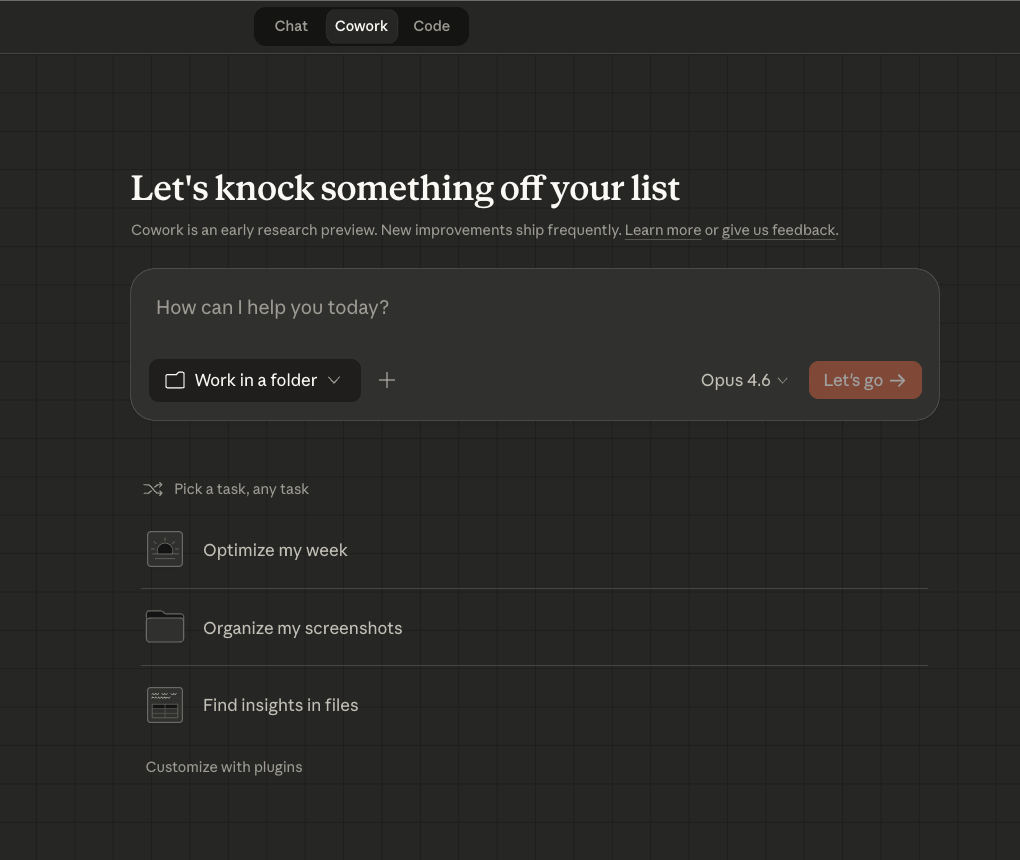
In my previous piece I wrote, “Claude Code [is] too stuck in a command line that too few will unlock in its current format, though there will be vaster fortunes to those who abstract this power to something simpler and easier to use.” Claude Cowork is Anthropic’s attempt to abstract AI agents to something simpler and easier to use, to put a GUI on top of agents for computer work. For those who remember the 90s, it is Windows to MS-DOS.
Cowork is in the Mac and Windows desktop app, runs in a local folder, only accessing the files you give it access to or upload, and has a bunch of official plugins. There have been some horror stories about early Cowork deleting files, so to use it safely I would give it copies of files and not originals, which is a good general rule of thumb.
Is Claude Cowork as capable and customizable as Claude Code? No. But it is a lot easier to use for the first time, it will give you a first taste of what it’s capable of doing. Anthropic also developed a few official Cowork plugins for things like design, marketing, and legal that you can take for a spin.
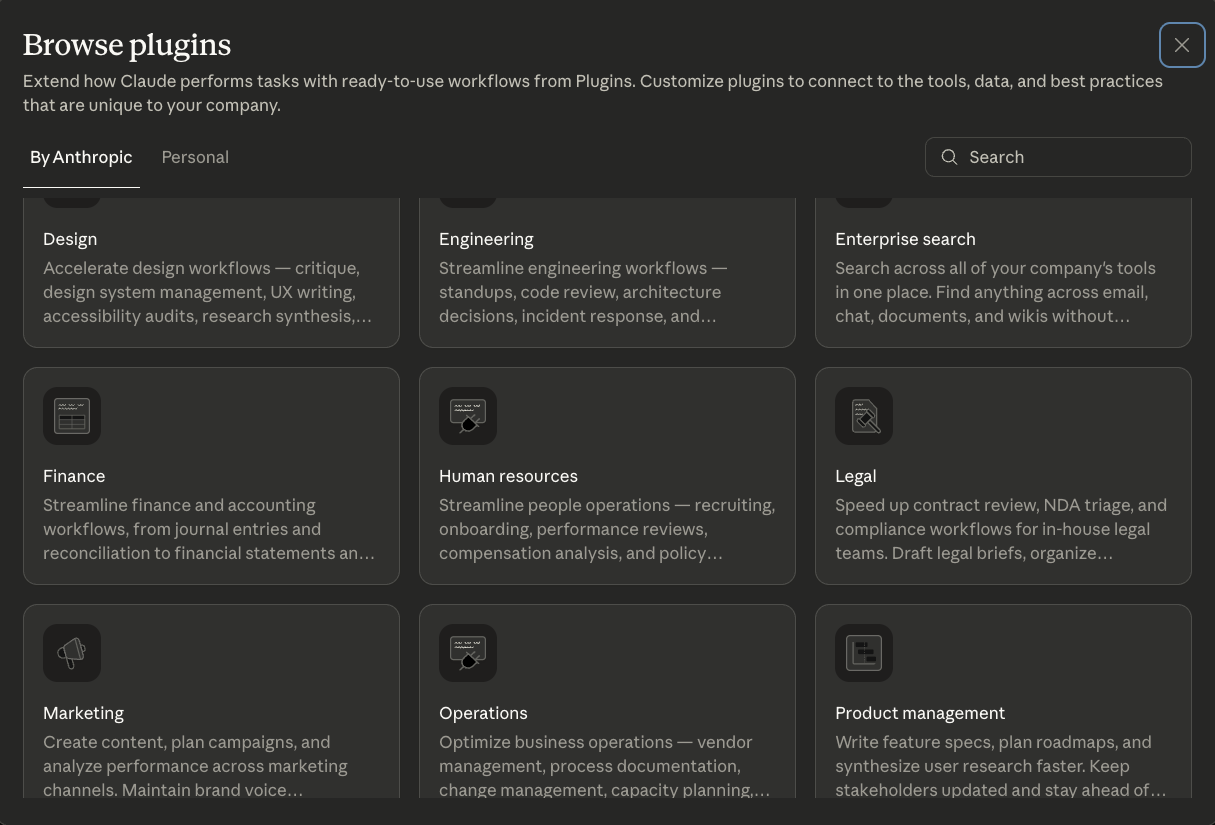
I use Claude Cowork for discrete work tasks that are honestly a lot easier to track for inputs, outputs, and feedback than terminal windows. Think document research, creation, and edits. It is pretty decent at spitting out a first draft of something for you, especially if you upload previous examples to it, and you can make edits and upload that to it for future revisions while also chatting with it. It has built in Word doc (.docx) support so it can read your track changes and comments, which I found is the most natural way to start to coach it to getting better. It’s the first attempt in what will obviously be the short term future market for AI tools, AI that augments white collar knowledge workers.
The good news is that if you don’t use Claude, Microsoft and Google are almost certainly on red alert right now trying to copy and launch their own versions of Cowork for Office 365 and GSuite, so hopefully they’ll release something within the next few months. Some have (correctly) called it what Microsoft’s Copilot should have been all along.
Getting Started with Claude Code
Look I love Claude Code and I know I am not alone out there, probably because I am not solely a software developer and my sunk cost in setting up my Claude Code is preventing me from moving to Codex or whatever.
But I am a little at a loss to tell you how to get started with Claude Code, or any coding agent, because it really benefits an explorer’s mindset right now if you’re not a software developer. I mentioned I had vibe coded my AI labor market simulator and a policy council, but that was just me playing around. I have one or two thoughts in the next section on how to think about what to do with these tools.
But to really explore and learn about AI coding agents, this piece from Lenny Rachitsky’s great blog “How to build AI product sense” is the best single thing I have seen on the topic. Aman Khan and Tal Raviv created a very cool tutorial on AI coding tools that starts in that blog post but then moves into the AI agent itself and walks you through how to actually build something. It does not use Claude Code but Cursor, an AI coding platform that has all of the major AI models, and gives free Cursor credits. If I had a few hours I wanted to spend getting a guided grounding in how to explore AI agents, I would do this.

If you want to use Claude Code and you’re not super technical, I would just start simple. Launch Claude Code on the desktop app and use it locally, don’t worry about github online repos yet. I would also have a version of Claude Chat open in a browser (you’ll be using the desktop app for Claude Code) and just…tell it you want to start using Claude Code and to give you step-by-step instructions. And then I would just ask it questions as you’re getting set up and have any problems, I would just…ask it questions and then do what it suggests.
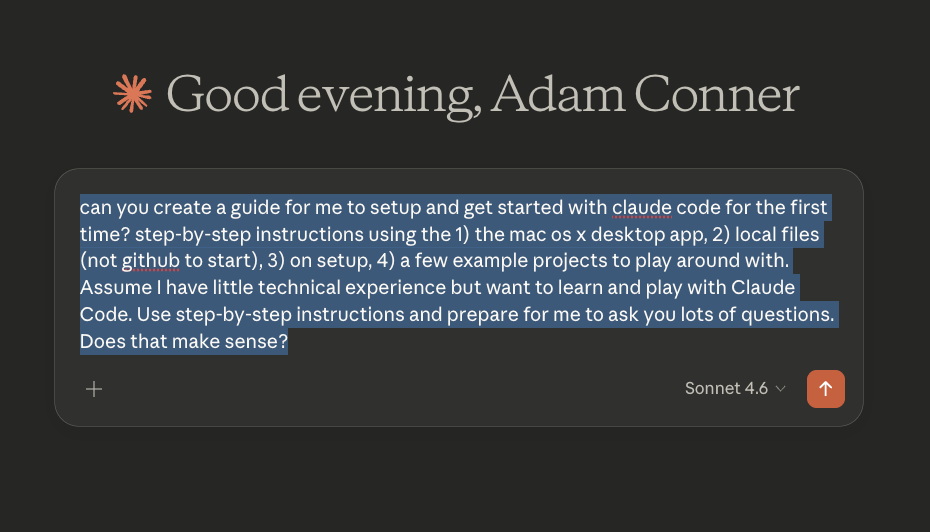
Here’s the example I started with in Claude chat (you can literally copy and paste this if you want):
can you create a guide for me to setup and get started with claude code for the first time? step-by-step instructions using the 1) the mac os x desktop app, 2) local files (not github to start), 3) on setup, 4) a few example projects to play around with. Assume I have little technical experience but want to learn and play with Claude Code. Use step-by-step instructions and prepare for me to ask you lots of questions. Does that make sense?
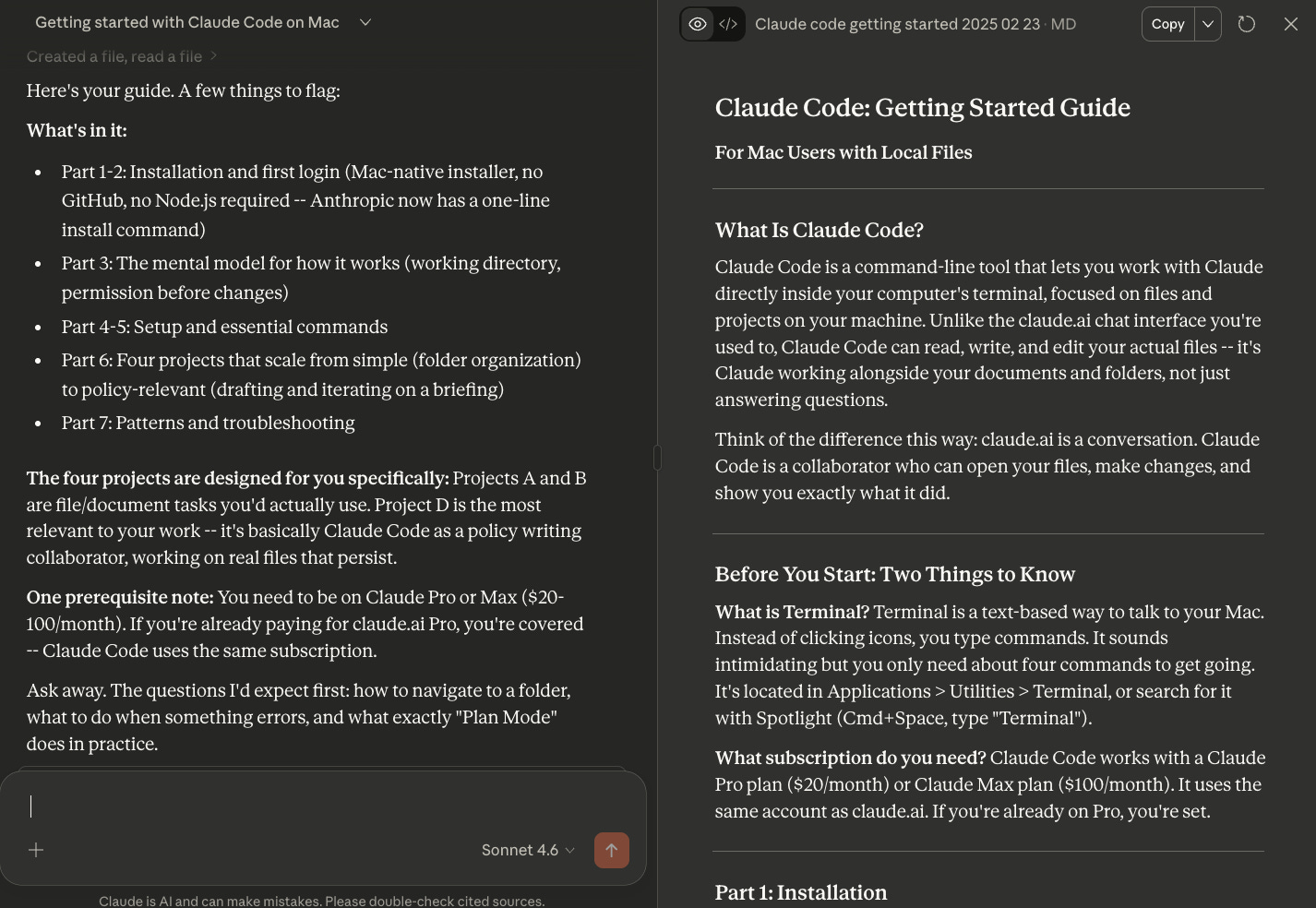
It generated a nice multi-page, multi-step document that you can see here in markdown and PDF.
And I can’t stress enough how useful it is to just have a chatbot session up and ask it questions while you get it set up. Once you have Claude Code up and running you can (and should) chat with Claude Code. Remember, it is more than a chatbot, but you can still talk to it like a chatbot.
Where should you start with Claude Code or Cowork?
What should I do with it? This is the main question I get from people who are asking how they should get started with Claude Code or Cowork.
The easiest thing is to start with some kind of work that’s low stakes and you have the expertise to judge it. Have it analyze a contract and see what it catches and what it doesn’t. Give it some example concept notes and have it write a new one for you. Have it write a press release for you. It probably won’t be perfect. But it might surprise you when it’s 50, 60, or 75 percent of the way there, and the time that saves you.
But maybe you don’t want to start with work, that’s fine, you can start with something personal.
There’s also an instinct I hear from many people to give these AI agents access to all your private data, your email and calendars, and have it “optimize your life.” I actually think that’s a terrible place to start because: 1) the data and systems are obviously super sensitive, 2) your standards are going to be very high and your tolerance for mistakes is going to be very low, and 3) it could be a lot of work and much frustration for not much payoff to start.
Where should you start with Claude Code or Claude Cowork? My advice is to organize the past or build for the future.
What I mean about that is that you can use this framework to decide between working on something that you already have digitally (the past) or do you want to build something new for the future?
Organizing the past means do you want to work on something digital that you already have, a bunch of old files, photos, or notes that you want organized and maybe built into something?
Have a bunch of screenshots you want renamed with descriptions? A bunch of old notes you want categorized? A bunch of receipts you want in a spreadsheet? Throwing AI and compute at those problems might help solve them for you and give you the confidence to do more in the future! But for the love of god use copies of your files.
Building for the future is exactly what it sounds like. What is the idea of simple leverage that you think would be helpful or enjoyable for you that would be fun to try to build? Do you need an app to track your time in one location? Want a simple dashboard to track your work against your KPIs? A way to generate basic workout programming between a couple of different kinds of exercise?
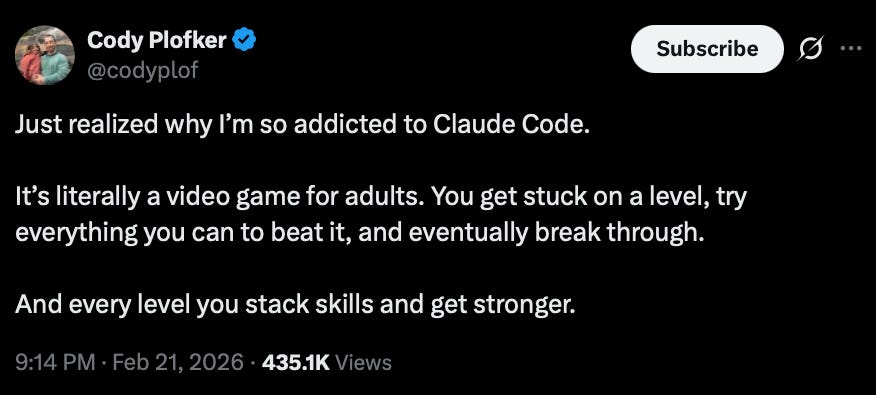
I do think that the easiest thing to do is play around with Claude Code and build something, which will lead to you realizing your Claude Code would be easier if you just built this one thing, and the cycle builds (careful you don’t optimize your Claude Code setup endlessly to do work instead of actually doing work). As someone on Twitter said, “It’s literally a video game for adults.”
Your IT Department is in a no win situation
Let’s just state the obvious, most normie employees should not be given a program that requires root access to their laptop. IT is right to keep most non-coders from the kind of havoc that Claude Code or others might have with a coding tool and sensitive work files.
Look, I worked at Slack during the later early years and I know the entire SAAS shadow IT playbook by heart. People are going to use these tools if they see value from them, even if they’re not authorized or secured or paid for.
Claude Cowork and the tools that inevitably copy it are going to be a nice middle ground for work tools and security, for example Cowork runs in a virtual machine (VM) on your computer, limiting some of the risk, and hopefully allowing wider rollout from IT.
IT is in the unenviable position of both saving you and holding you back, it’s really a no-win situation for them, a Kobayashi Maru only somehow more thankless (you’re not dying saving a ship from Klingons, you’re getting yelled at for not letting a marketing associate have a command line tool).
But it is important that you start familiarizing yourself with these tools and getting access to them at work if possible. There is going to be a clear and growing divide between those able to harness these tools, and the power of multiple AI agents, and those who don’t have access or haven’t learned how to use them yet. Right now the benefits will accrue first to the curious.
More on how I use these tools in my next post.
Next post: How do I use Claude Code? What have you learned working with Claude Code?